Limiting users to your Website

The easiest way to limit users to your Website, in your order is to select "User interface without URL address bar, used for limiting users to your homepage" or the advanced API command chrome=webcnoaddressbar. This modifies the User Interface to remove the URL addressbar, so that users are effectively walled into your homepage and its links.
Beware your homepage's external link might link to Google and allow that user to browse effectively anywhere.
NEW whitelist=
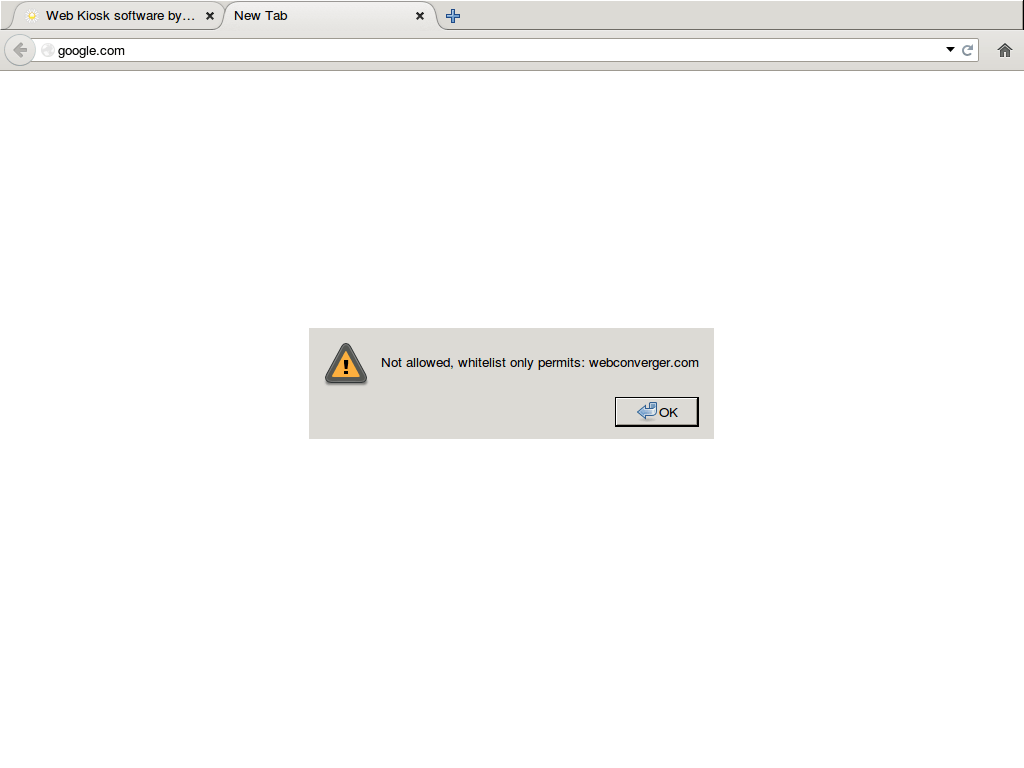
From Webconverger 25.0, you can simply have a configuration such as:
homepage=http://www.bl.uk/
whitelist=bl.uk
And Webconverger will be configured to expose the URL bar, so that the user can type any URL in, as long as it matches the bl.uk top level domain.
To add more domains, such as flickr.com, simply append with a comma. Example:
whitelist=bl.uk,flickr.com. All subdomains of a whitelisted domain are
matched too. External dependencies of a page are permitted too.
Category based filtering
Say you want to give your users free reign on the Internet, though you cannot allow them to visit certain categories of such as adult and/or gambling sites. In that case please read and enquire with sales about our filtering product which competes with OpenDNS's "domain blocking" product.
The API looks like:
filter=http://filter.webconverger.com/example.filter.txt.xz,146.185.152.215
"example" usually corresponds to your email address.
The IP "146.185.152.215" should correspond to IP which gets served when a black listed page is found. We can serve a simple page for you saying the site is blocked with your logo.
Search for filter= in live-config.sh for details.
How to prevent users leaving public kiosks in a "bad state"
You will want to consider the kiosk reset options in order to reset Webconverger to your site every say, 3 minutes. This can help avoid an unsupervised Webconverger kiosk being set on a non-mandated Website for too long in public spaces.
Unsupported options
Using your router or wireless access point
As mentioned on http://webconverger.org/blog/entry/Better_Routing_wanted
3rd party firmware like OpenWRT provide options to limit Internet access.
http://www.mikrotik.com/ also supply very good flexible access point solutions.