One step forward and two step backwards with respect to upgrades.
I updated the rsync server with the security fixes of 2.0.0.13 and I noticed the rsync server is exchanging (over 2 minutes):
2008/03/30 13:48:28 [10788] sent 11953590 bytes received 65648 bytes total size 21627786
Ummm 12 MEGABYTES rsync upgrade from 2.0.0.12 to 2.0.0.13!!?? WTF! The Debian package is:
7.8M iceweasel_2.0.0.13-1_i386.deb
How the hell did this happen? I did some basic testing before rolling out this new system, though I didn't pay close attention to sizes of data transferred. I put too much trust in rsync. Sorry about this folks.
If you want to disable upgrade simply remove the word 'iceweaselupgrade' from the boot parameters.
Ok I noticed I missed the compress flag '-z' which can half the transfer. The maddening thing is that I need to regenerate all maxi and mini images. An effort which can take many hours for just two missing characters. :(
Update: Just thought of something else I should try WRT upgrading Firefox.

Webconverger needs goals for 2009.
Besides fixing some annoying bugs like being able to manually fix the resolution, I would like to spend some time carefully polishing the install. For example making sure any boot menus are locked down, once they are configured on install.
Another goal is to tweak the business model. I would like to move away from a customisation model as it's ultimately silly to differentiate from your core product for every order. Hopefully some administrator settings can persist with a Web UI I have been working on behind the scenes.
To tweet about Webconverger and only Webconverger related stuff. I have been tweeting about me, myself and I. Sorry, I got carried away. :)
Since Webconverger Limited actually owns a printer, I will endeavour to get some sort of persistent printing configuration working.
To balance the Webconverger books and pay some taxes. Someone has to save the UK economy. ;)
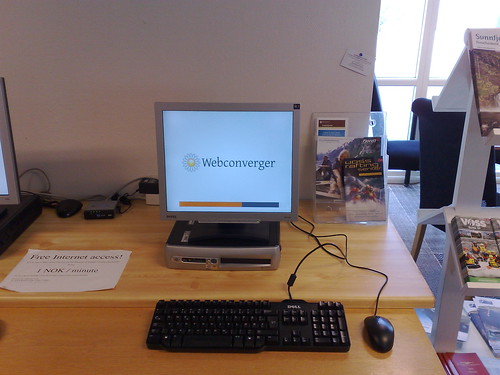
So what's new with 4.9?
vimdiff http://download.webconverger.org/webc-4.7.txt http://download.webconverger.org/webc-4.9.txt
- Shows a new Iceweasel (Firefox) security update 3.0.11
- Back to xpdf despite printing dialog problems, because it's lighter and integrates better with the browser (no EULA to agree to everytime!)
- webconverger-base 4.9 featuring wireless essid with spaces fix and a compose key option. Read the back story on the forum.
- Webconverger should be synced by Internet time, hence you shouldn't see SSL warnings if your BIOS clock is wrong.
- You don't have to hold down the button on newer machines. Webconverger should understand ACPI "power down" events, that your computer should send on physically pressing the power button momentarily.
- Known to work flawlessly with a cheap EEEPC900 netbook! Many thanks to Ben Armstrong and Guttorm Flatabø!
Known issues
Download is first made available on the German mirror and is syncing now slowly with the Californian mirror.
Any comments? Please drop by the Web forum.
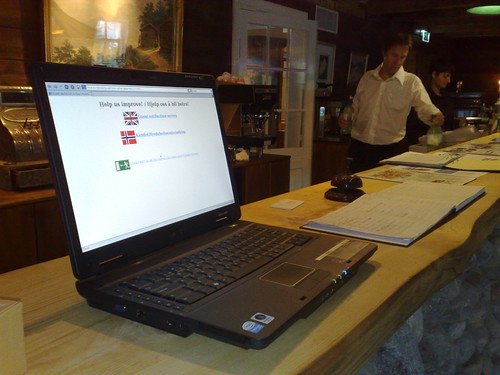
5.0 is minor point release with a small grub boot menu correction (hard drive installer option shouldn't be displayed when it's not available!) and an updated xulrunner.
Once Firefox in Debian 3.5 hits unstable, there should be some backports and a much more exciting release will be made. The Webconverger kiosk addon for Firefox is being overhauled for 3.5, which should address some problems on the todo list.
I'll be in Debconf9 next week in Spain and I hope to at least get the Debian installer working again for us.
The images are available on the European download mirror first. Enjoy.
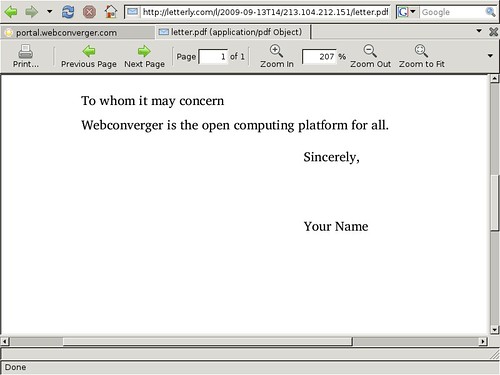
Hello everyone! 5.5 is a much delayed release which is not as polished as I would have liked. Instead of delaying any further, I would appreciate you giving these experimental features a try and giving feedback on them.
- Allow ICMP ping replies so that you can check the machine is up and running.
- Allow for several homepages to be specified which get opened in separate tabs, e.g.
homepage=http://portal.webconverger.com/%20http://webconverger.com - noclutter added, which hides the mouse cursor after a couple of seconds of inactivity
- Several new experimental hooks to upgrade and setup CJK locales
- A new PDF viewer based on epdfview, which unlike
xpdfhas a decent printing dialog! - Anything else? See
vimdiff http://download.webconverger.com/webc-5.2.txt http://download.webconverger.com/webc-5.5.txt
Experimental option to install Webconverger onto a hard drive
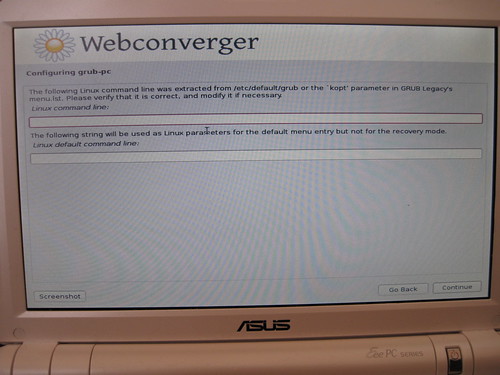
The included EXPERIMENTAL installer has problems. For example the USB version only seems to work when installing without a network due to some odd grub2 transition. The development cycles for debugging installer related issues is incredibly long and painful. The whole effort might have been a colossal waste of time, considering USB boots are just as fast as booting from a hard disk.
If you would like to see this feature stay, please test, report bugs and develop patches.
The next release will focus on packaging Firefox 3.5 and the kiosk extension for it.
5.6 is a bugfix release.
vimdiff http://download.webconverger.org/webc-5.5.txt
http://download.webconverger.org/webc-5.6.txt
reveals the usual browser
updates.
The change to webconverger-base fixes the home button when more than one URL is specified on the boot command line.
Lately I have been exploring static Firefox builds, as I hope they may help make upgrading manageable. Also if you are a bit of a browser geek, checkout the Webkit-based surf browser.
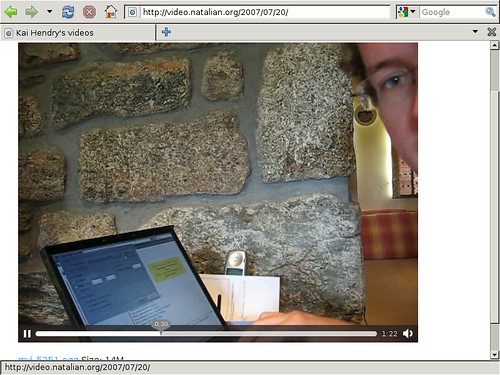
5.7 features a lenny backported Firefox 3.5 build, finally!
Overall I would consider this release as experimental.
There is a couple new known bugs introduced with Firefox 3.5. Namely you can now non-persistently change configuration settings in the about: URL and browse the local filesystem.
This introduces possibly some security issues and of course I would rather have
the kiosk more locked down that this current state. Sadly Firefox is very
difficult to modify into a sane kiosk deployment. I've written a kiosk
extension myself and trying to implement NsIContentPolicy to control these
local URLs and file downloads is proving to be beyond my ability.
If you're a developer familiar with Firefox, please take a look at my notes on the kiosk wiki page.
Debian installer is disabled
Yes, I've disabled the debian installer again. I am finding it far too complex
and I am tempted to to write my own simpler installer based on dd.
If you are tech-savvy you can simply install Webconverger to your hard drive by:
wget http://download.webconverger.org/webc-5.7.img
sudo dd if=webc-5.7.img of=/dev/sda
This will replace the contents of your first hard drive (typically) with Webconverger.
What I do in my deployments is use a "debug version" of Webconverger to perform these installs.
5.7 release notes
I've enabled FF3.5's Private
Browsing feature by
default. Strictly speaking since the ~/.mozilla directory is purged between
sessions, this enabling this "private browsing" feature is totally unneccessary
and probably introduces problems. However I'm thinking "security in layers" and
"lets give it go".
Spelling does not seem to work. Something is wrong with the myspell dictionaries and FF3.5 backport. I need to fix this. On the plus side, you might find Webconverger quicker. :)
If you notice a SPLASHY
ERROR on bootup, do not be
alarmed, this is normal. I am looking to replace the horrible software used to
simply not have linux print copious lines out to the screen, with another crazy
like the 28k SLOC Project
Plymouth. Ok, maybe not. :)
If only linux quiet worked.
Download mirrors
Questions? Please mail the kiosk's public mailing list!
Do you use Webconverger in your business?
You have every right to do so! Please take a picture of Webconveger in action and upload it Flickr with the tag "webconverger".
http://www.flickr.com/photos/tags/webconverger/
Please email private feedback to the email address at the bottom of http://webconverger.com/, thank you!
Festive greetings!
Apologies for being quiet lately despite big news that Chromium OS sources has been released. Sometime ago I predicted and compared the features of Google's operating system to Webconverger. And I think I am right!
Webconverger does not require any registration and you can now download the latest 5.8 update! The differences can be seen from this package listing:
vimdiff http://download.webconverger.org/webc-5.7.txt http://download.webconverger.org/webc-5.8.txt
The big difference with this release is that I experimenting by using i686 builds instead of 486. This means that Webconverger will not boot on very old PCs and some cheap CPUs like Geode. If this is problem for you, let me know! For the rest of us with i686 compatible hardware, Webconverger should be a litter faster.
In other news, the spelling from the previous release 5.7 with Firefox 3.5 should now be working for you.
The CJK support might not quite work on these free images, however if you purchase Webconverger with Chinese (or Korean or Japanese) support I will ensure all the relevant fonts and input tools are pre-installed.
Thank you and thanks to the Debian project and Debian Live project contributors to make Webconverger possible.
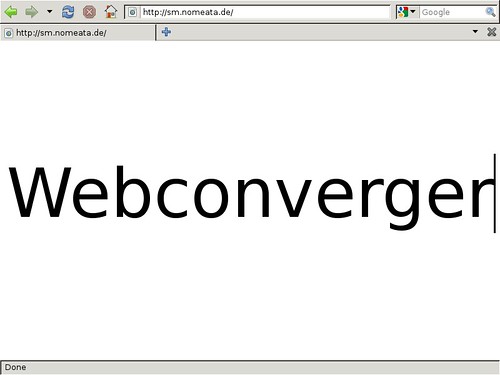
And just for fun, if you need Webconverger to make a quick sign, please try http://sm.nomeata.de/ :)
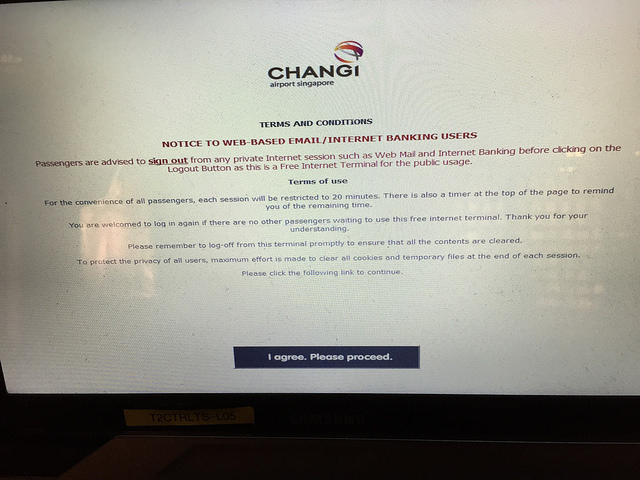
Since moving to Singapore about two years ago, I've fallen in love with Changi Airport. It's the best Airport in the world.
However it pains me to see their Internet stations, with such poor support for modern HTML standards:
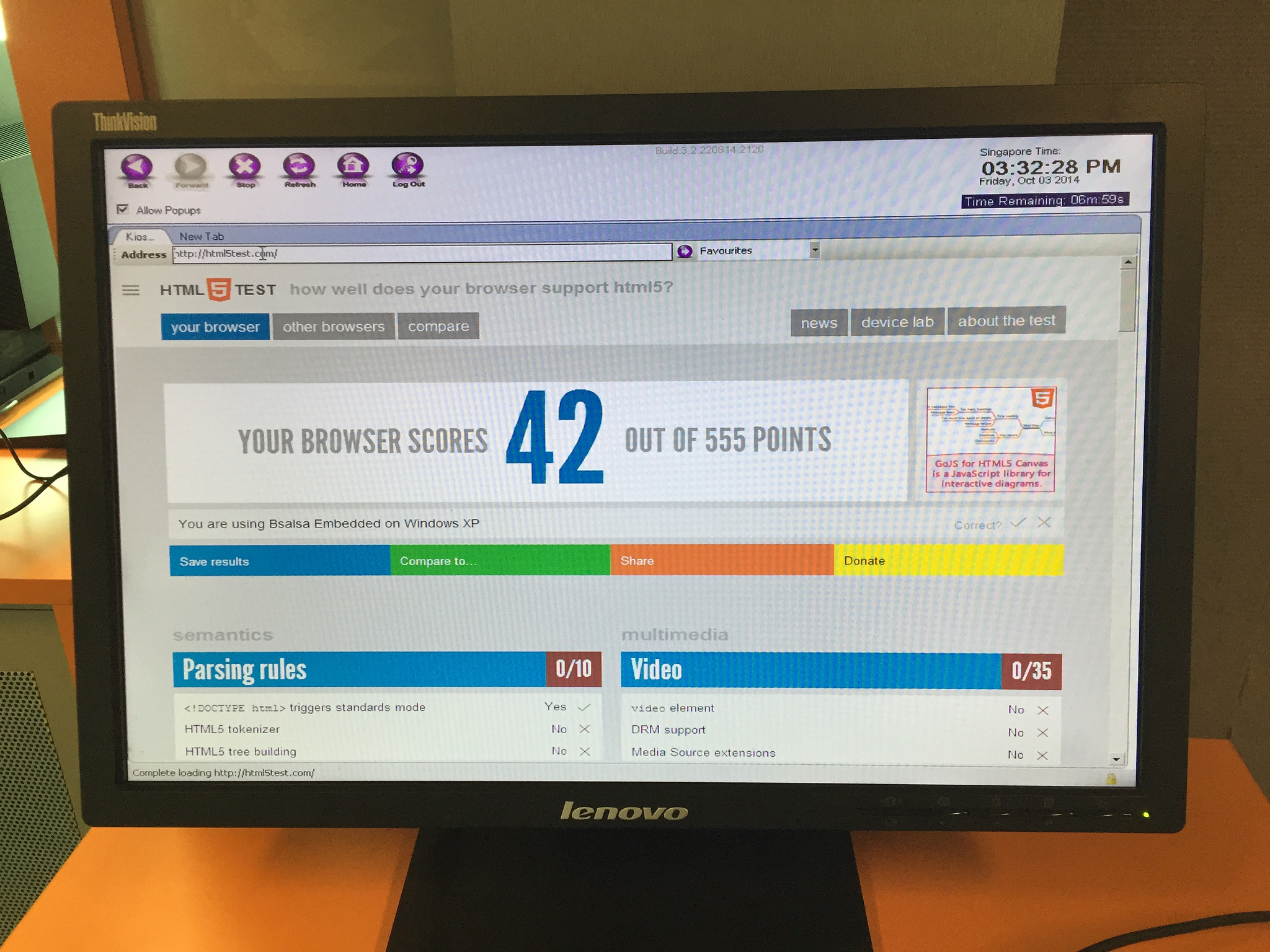
It wouldn't surprise me that these kiosks running old software had complaints like:
- Some Web sites simply wouldn't work
- Or work with much reduced functionality
- Wastes people's time without having good form validation controls resulting in form submission errors
- Have a range of security issues since it's so out of date
If Changi airport would upgrade their ~550 Internet stations software to run Webconverger:
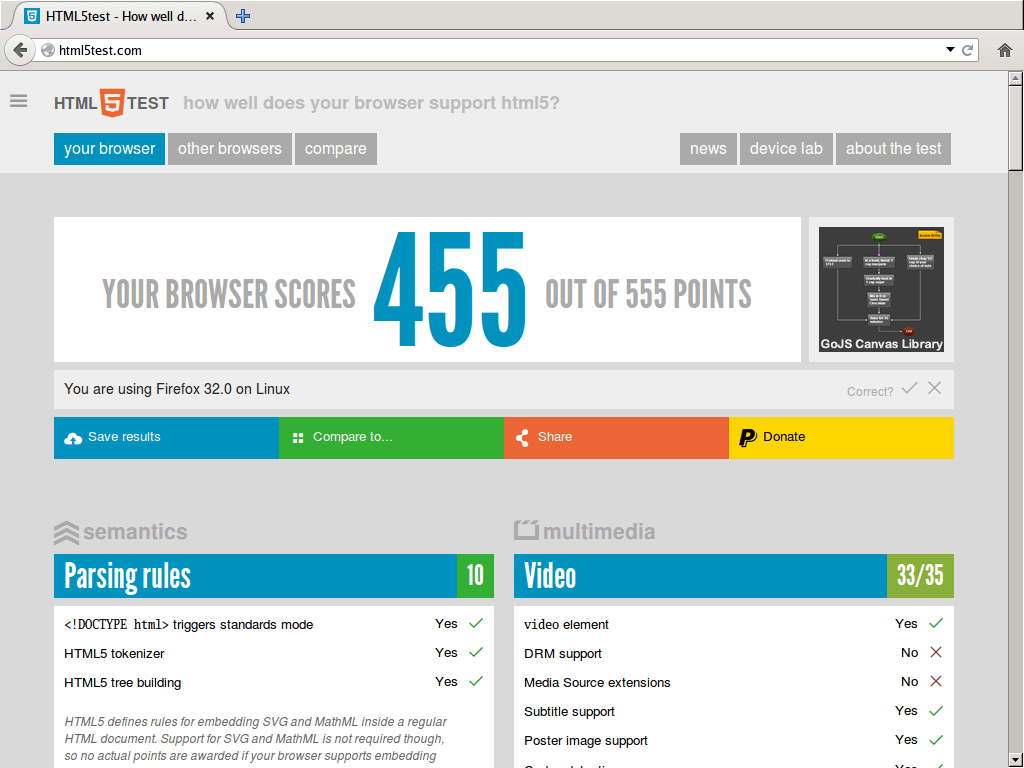
- Changi Airport would instantly go from 42 to 455 points with the http://html5test.com/ for far better Web experience and happier users
- Users of the kiosks would have better Web experiences with privacy and safety improvements - better security for passengers
- Kiosks running Webconverger would auto update to track the latest Firefox developments, ensuring it doesn't just stay at 455 points - always getting better
Webconverger is used by various US, New Zealand and UK government institutions and several banks. There are at least six thousand machines running Webconverger software all around the world, software made right here in Singapore.
Happy New Year 2008!
I have been busy with an offline collection of Debian etch packages to create Webconverger.
My little investigations have included GTK webkit and directfb.
I've had little to show for several reasons, such as my Internet connectivity has been fairly limited to say the least.
Since as we all know ADSL is asymmetrical, the upload channel is pitiful. What's worse is the stalling if you need to do fairly large image uploads and your router isn't prioritizing Acks. :/
Today I activated the UK's fastest ADSL option I could find with a company badly named be. It's about 2 point something mbit. 2 mbit translates roughly into 200kB/sec. So a mini Webconverger image of say 200M takes roughly 15 minutes of upload time.
At last, progress. :)